
Configuration
This guide will help you understand how to adjust the settings of the SG-1 sensor for optimal performance and integrate it into your automations.
Accessing the Sensor Control Page
To access the sensor control page, follow these steps:
- Go to Settings in your Home Assistant dashboard.
- Select Devices and Services.
- Search for ESPHome in the search bar.
- Select ESPHome from the list.
- If you have multiple ESPHome devices, you will be presented with a list of devices. Select Human Radar SG-1.
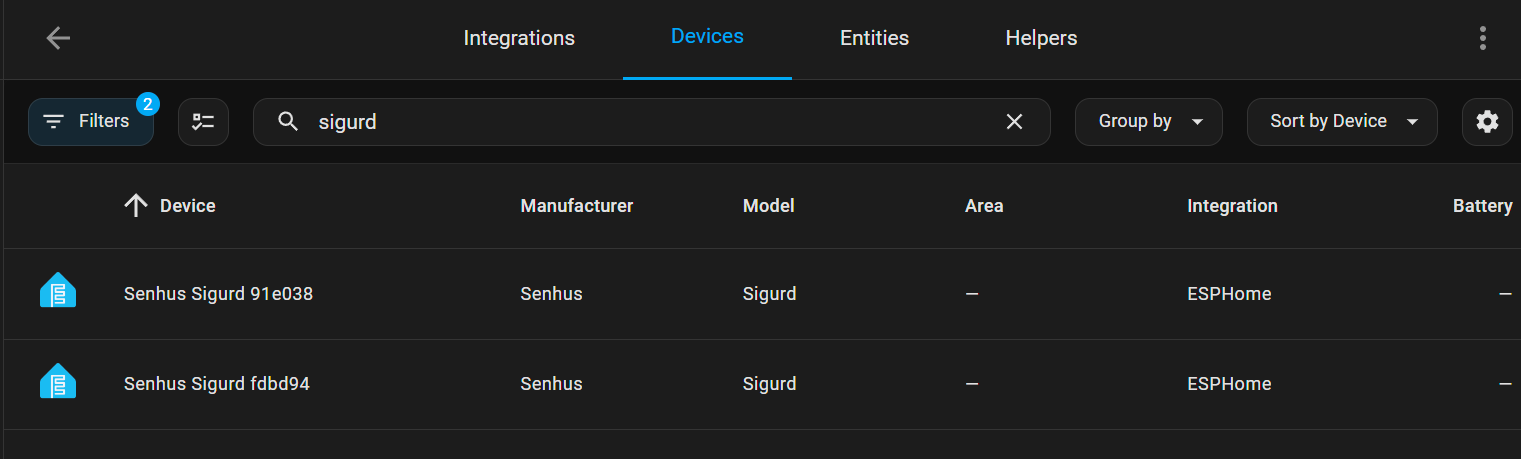
The Sigurd Human Radar sensor offers seven sensor outputs and more than 20 control settings for fine-tuning its performance.
Fine Tuning
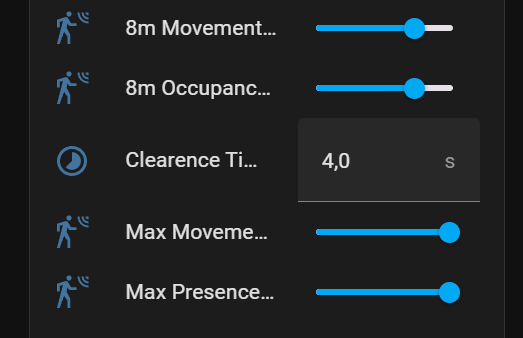
Max Detection Range
- Max Movement Detection Range: Defines the maximum range for detecting movement.
- Max Presence Detection Range: Defines the maximum range for detecting presence.
- Recommendation: Set this to the length of the area you wish to monitor or the distance to the next wall.
Movement and Clearance Time
- Clearance Time: Determines how long the sensor will continue to report occupancy/movement after the last detection.
- Example: A clearance time of 5 seconds means the sensor will report occupancy for 5 seconds after the last movement is detected.
- Recommendation: Set the clearance time to at least 5 seconds to avoid unexpected results in your automation setup.
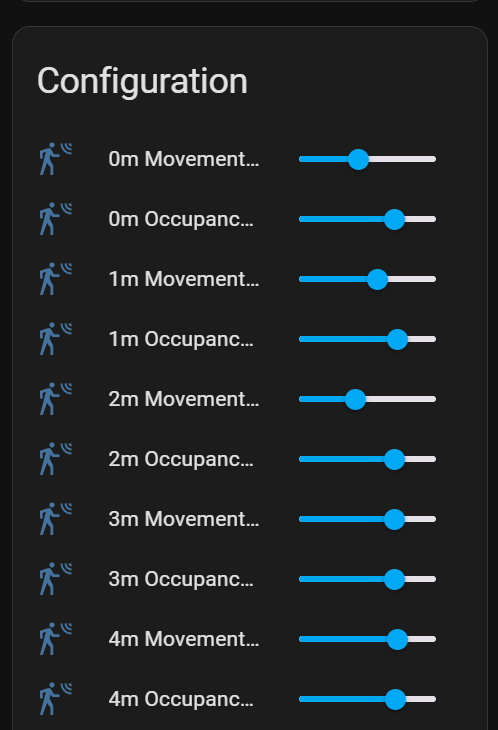
Range Sensitivity
- The sensor provides 16 sensitivity controls for ranges from 0m to 8m:
- 0-8m Movement Threshold: Adjusts the threshold for detecting movement. For instance, setting 1m to 50% means the sensor detects movement with at least 50% certainty at that distance.
- 0-8m Occupancy Threshold: Adjusts the threshold for detecting static presence. For instance, setting 3m to 90% means the sensor detects presence with at least 90% certainty at that distance.
- Adjustment: Modify the sensitivity for each range to achieve your desired detection accuracy.
- Important: The sensor reliably detects presence up to 4 meters and movement up to 8 meters. Presence detection may depend on natural movement unless the person is intentionally still or sleeping.
Sensors
The SG-1 Human Radar adds four sensors to your Home Assistant setup. These sensors provide detailed information for automations and monitoring.
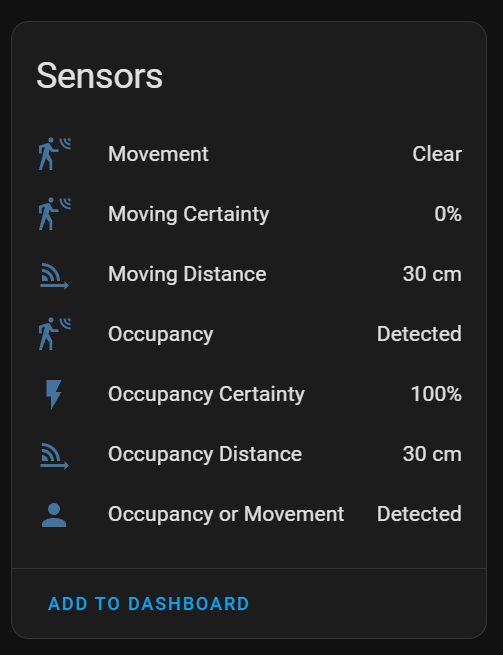
Sensor Types
- Moving and Occupancy Distance
- Description: Indicates the distance to a still or moving object.
- Use Case: Useful for detecting how far away an object or person is from the sensor.
- Movement
- Description: Shows whether movement is detected, with states: Detected and Clear.
- Use Case: Ideal for basic movement detection in automations.
- Occupancy or Movement
- Description: Indicates whether any movement or occupancy is detected, with states: Detected and Clear.
- Use Case: A primary sensor for automations, offering comprehensive area status.
- Occupancy
- Description: Displays occupancy status, showing movement, occupancy, or clear states.
- Use Case: Suitable for detailed automations and nuanced monitoring.
Understanding Sensor States
- Detected: Movement or occupancy is detected.
- Clear: No movement or occupancy is detected.
By understanding and utilizing these sensors, you can create advanced automations in your Home Assistant setup, enhancing the intelligence and functionality of your smart home.