
Senhus Connect Aquarea connects your Panasonic air-to-water heat pump to Home Assistant over your home network. You can also open the controller's dashboard in a browser. Both work locally, without a cloud account.
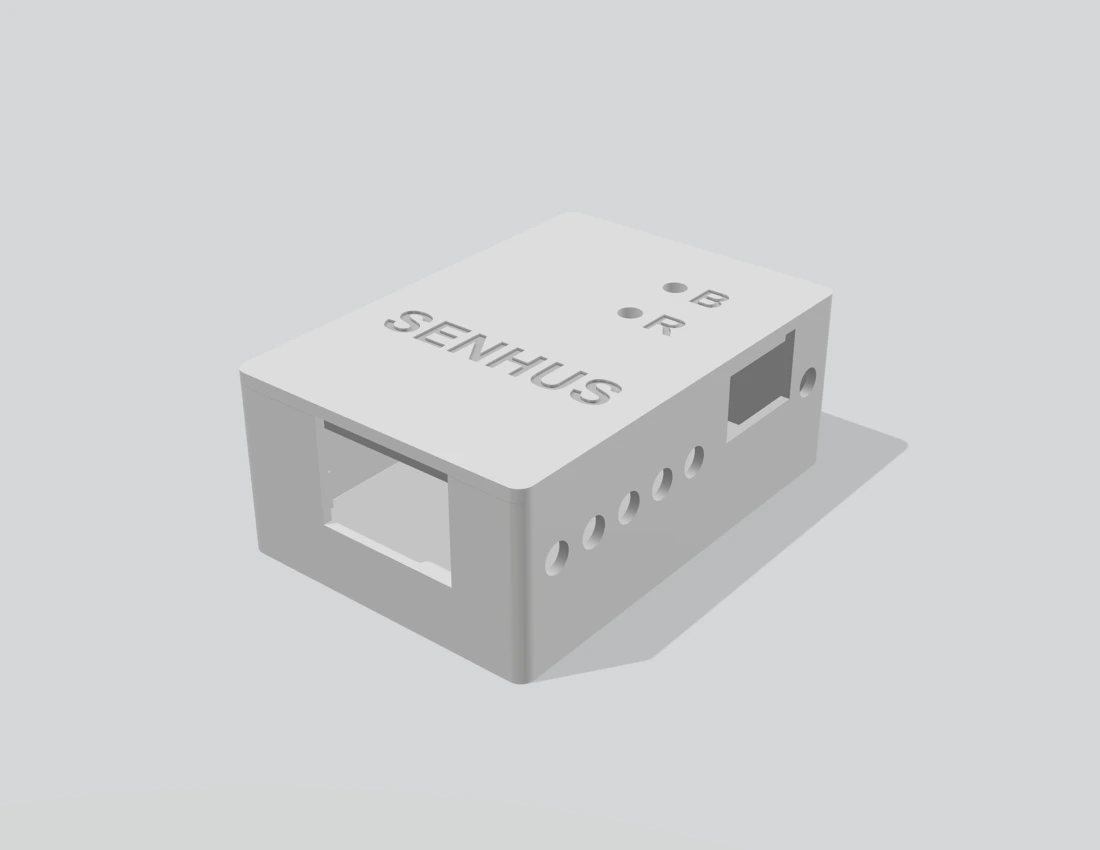
Senhus Connect enclosure render.
What you can do
- See the hot water tank temperature, inlet and outlet water temperatures, outdoor temperature and water flow.
- Adjust the hot water target, request a boost or choose an operating mode.
- Use readings and controls in Home Assistant automations. For example, send yourself a notification when the tank reaches your usual target or when the heat pump reports a fault.
The controls available on your system depend on its heating, cooling, tank and zone configuration.
Get started
Find your indoor-unit model, then follow the initial setup guide.
